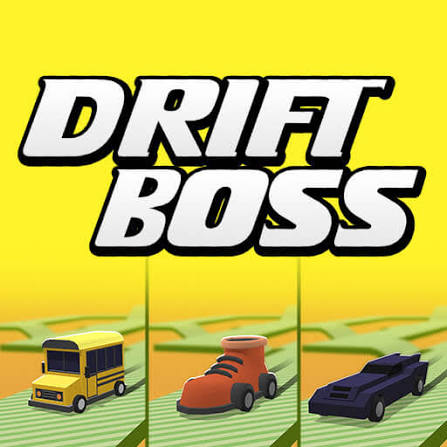
A one-button drift game: keep the car on a road floating in mid-air with well-timed turns.
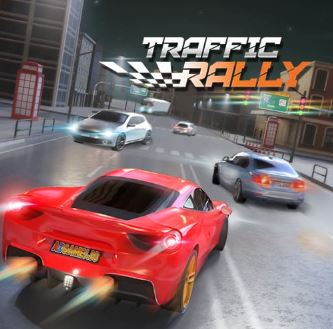
Traffic Rally — fast cars, dense traffic, free online
W / Up arrow — accelerate
Loading Traffic Rally…
Traffic Rally did not load.
The game is served by game.azgame.io, which may be busy or blocking the embed right now.
How to play
Accelerate into gaps and steer between vehicles. Missions set targets to hit while you drive, so you are managing speed and objectives at the same time.
W / Up arrowAccelerate
S / Down arrowBrake
Left / RightSteer between lanes
DriftBoss Tips
01Check the mission target before you set off — chasing distance and speed at once rarely works.
02Faster cars are not automatically better in dense traffic. Pick handling for busy missions.
03Lift off before a lane change rather than during it.
04Long straights are for repositioning, not for maximum speed.
More driving games
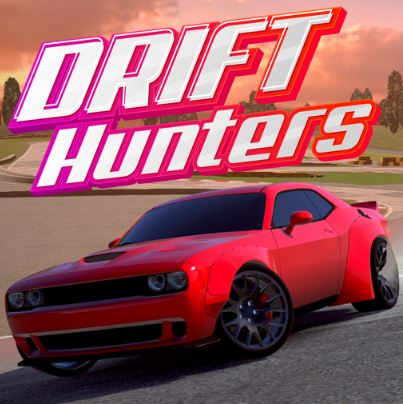
Tune a car, hold the angle and bank drift points across eight tracks. Free, no download.
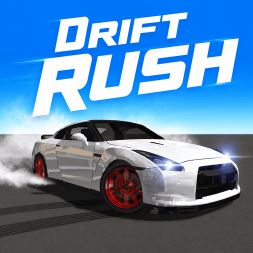
Throw the car through sharp corners at speed without touching the barriers. Free browser racer.
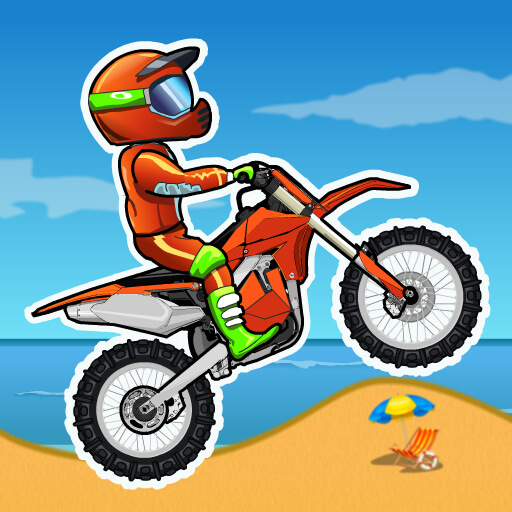
Ride a dirt bike through 25 timed obstacle courses. Flip for time, avoid the spikes. Free.
About Traffic Rally
Traffic Rally sits between an endless dodger and a mission-based racer: the road never really stops, but there are goals to hit along it.
The car list opens up as you complete objectives, and each one changes how much room you need to place the car.
Your rating
FAQ
What are the missions?
Targets to hit while you drive — distances to cover, speeds to reach and vehicles to pass.
Which car should I start with?
The starting car. It is slower but far easier to place accurately in traffic, which is what the early missions actually test.
Does it work on mobile?
The page layout adapts, but the game is designed around keyboard input.