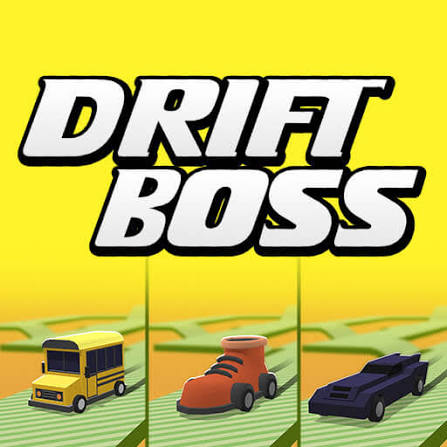
A one-button drift game: keep the car on a road floating in mid-air with well-timed turns.
Racing In City — drive far, dodge traffic, free online
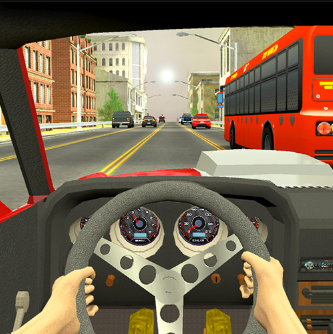
W / Up arrow — accelerate
Loading Racing In City…
Racing In City did not load.
The game is served by html5.gamedistribution.com, which may be busy or blocking the embed right now.
Your personal best
Best distanceNot set
You type this in. Racing In City does not report its distance to the page, so nothing is read automatically — and nothing leaves this browser.
Today's challenge
Everyone gets the same challenge today — it comes from the date, not from a server. Racing In City cannot report back to this page, so you mark it yourself and it stays in this browser.
How to play
Drive as far as you can without hitting anything. Points and coins both scale with distance, so the run ends the moment you make contact.
W / Up arrowAccelerate
S / Down arrowBrake or reverse
CSwitch camera view (P pauses)
DriftBoss Tips
01Switch to the chase camera if you keep clipping cars — the cockpit view hides your front wings.
02Coins are never worth a lane change into traffic.
03Settle into a rhythm of small corrections rather than big swerves.
04Pause with P if you need to look away. Runs are long enough to be worth saving.
More driving games
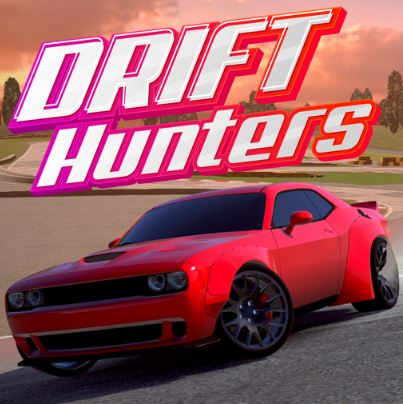
Tune a car, hold the angle and bank drift points across eight tracks. Free, no download.
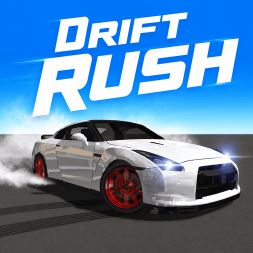
Throw the car through sharp corners at speed without touching the barriers. Free browser racer.
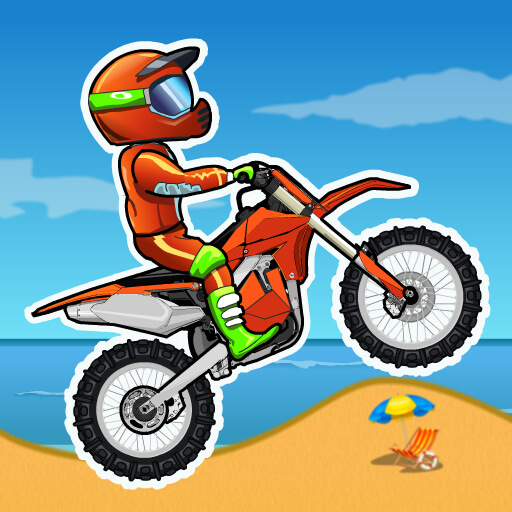
Ride a dirt bike through 25 timed obstacle courses. Flip for time, avoid the spikes. Free.
About Racing In City
Racing In City is built for long, calm runs rather than short bursts. The scoring rewards patience, and the camera options let you play it as either an arcade racer or something closer to a driving sim.
Coins collected on the road carry over, so even a short run makes progress.
Your rating
FAQ
How do I earn coins?
By covering distance and picking up the coins spawned along the road. Both scale with how far you get before crashing.
Which camera is best?
The chase camera gives the widest view of surrounding traffic; the cockpit view is harder but more immersive. Switch with C.
Can I pause mid-run?
Yes, press P.